PN
Priya NairProduct Designer at Loom & Lace · 1h
Small thing I keep relearning: the best design reviews start with “what are we trying to make easier?”
A Chrome extension for LinkedIn
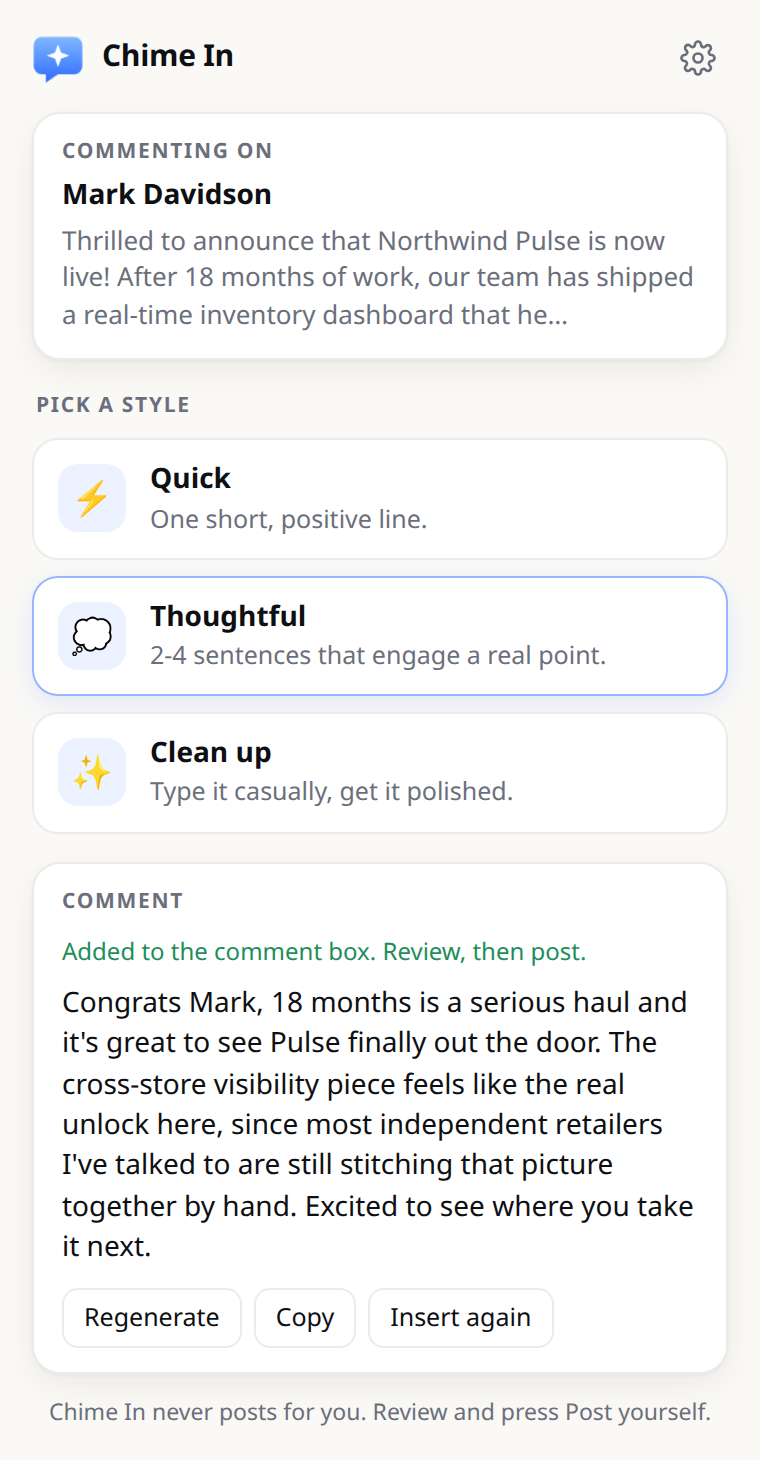
Chime In writes the comment and drops it straight into the post’s comment box. You read it, tweak it, and hit Post. It never posts for you.
Add to Chrome — it’s freeBring your own key · No account · Open source
Modes
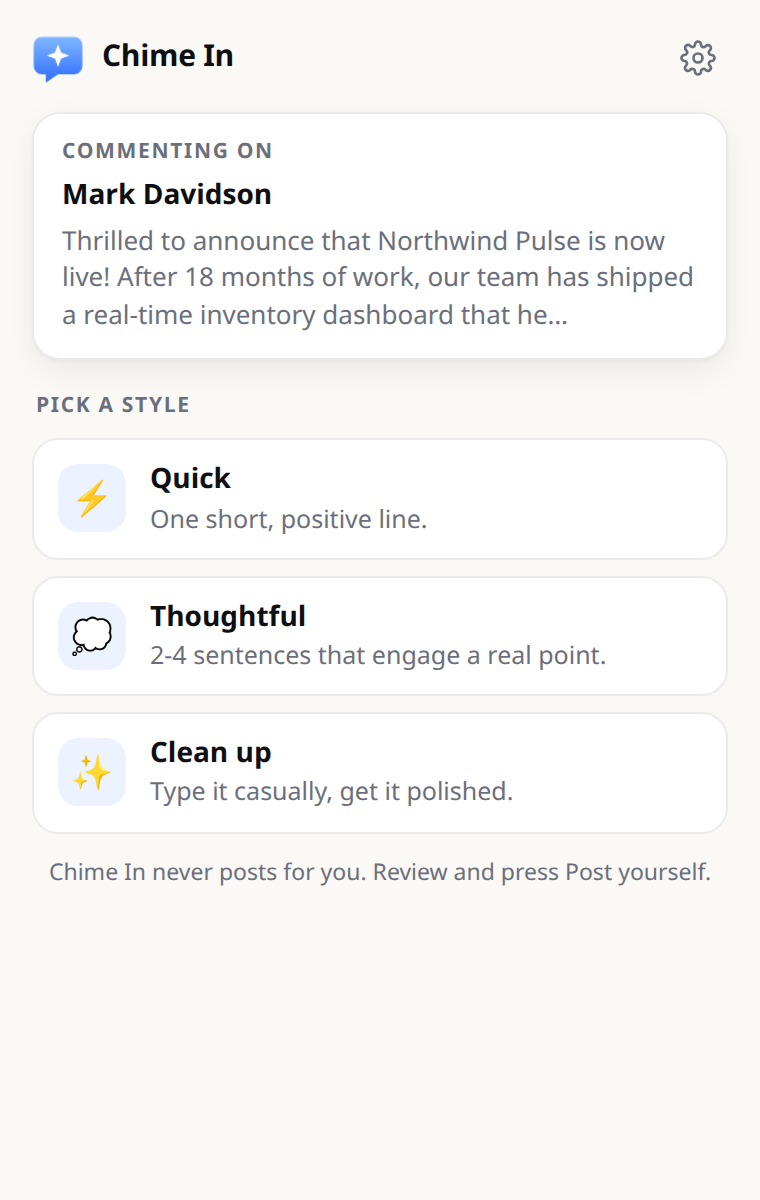
Pick the effort level. Every mode is just a prompt, and you can edit all of them.
Short, simple, a bit vague. For the posts you only need to acknowledge.
“Today we’re launching Northwind Atlas… sign-up to first result in minutes, not weeks.”
Huge milestone, Mark. Congrats to the whole team!
Longer. Picks up a specific point from the post and makes a connection.
“Today we’re launching Northwind Atlas… sign-up to first result in minutes, not weeks.”
Congrats, Mark. Cutting sign-up to first result from weeks to minutes is the part that sticks with me. That’s what customers actually feel on day one. Well earned by the whole team.
Type what you actually mean. Chime In turns it into something you’d sign.
bro this is sick congrats, we been needin this fr
Congratulations, Mark — this is a launch we’ve been waiting for. Great work from the whole team.
Make it yours
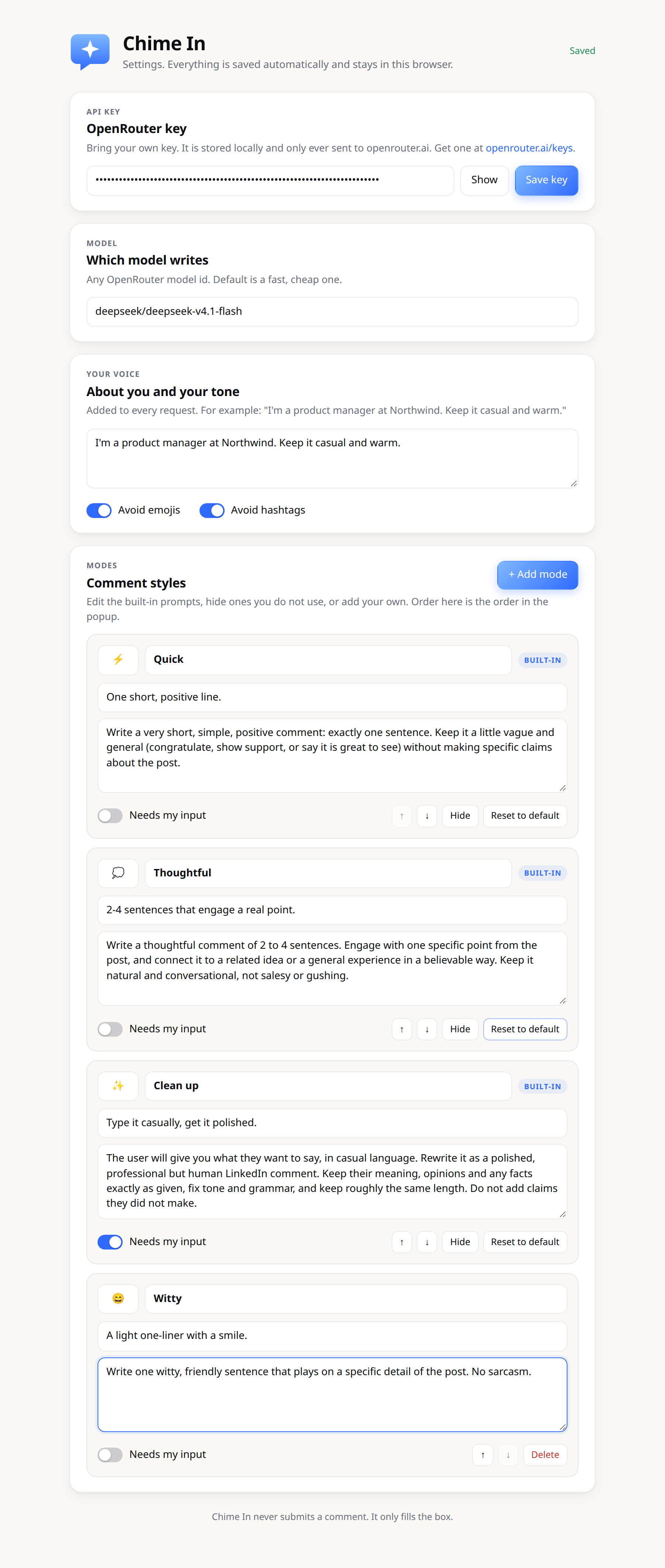
Nothing is hidden behind the curtain. Open settings and everything that shapes a comment is right there.
Add your own: “Ask a question”, “Dry humor”, “Supportive”. They show up next to the built-ins.
Rewrite the Quick, Thoughtful and Clean up prompts, or pick any OpenRouter model.
Tell it your role, your voice, the words you’d never use. Comments stop sounding generic.
Privacy
No account. No server of ours. No tracking. Chime In is a small extension that talks to one place: OpenRouter, with your key.
Use your OpenRouter key. Defaults to DeepSeek V4.1 Flash; any OpenRouter model works.
Your key and settings live in your browser. They never leave your device except to call OpenRouter.
It fills the comment box and stops. Posting is always your click.
Read every line on GitHub. Fork it, audit it, change it.
FAQ
No. Chime In writes the comment into the comment box and stops. You read it, edit it if you want, and press Post yourself.
The extension is free. You pay OpenRouter directly for what you use, and a short comment on a small model like DeepSeek V4.1 Flash costs pennies for hundreds of them.
DeepSeek V4.1 Flash by default, because it is fast and cheap. In settings you can switch to any model available on OpenRouter.
Your key is stored in your browser on your device. When you generate a comment, the post text and anything you typed go straight from your browser to OpenRouter. There is no Chime In server in between.
Yes. Edit any prompt, add custom modes, and fill in the “About me / tone” field so comments match your role and voice.